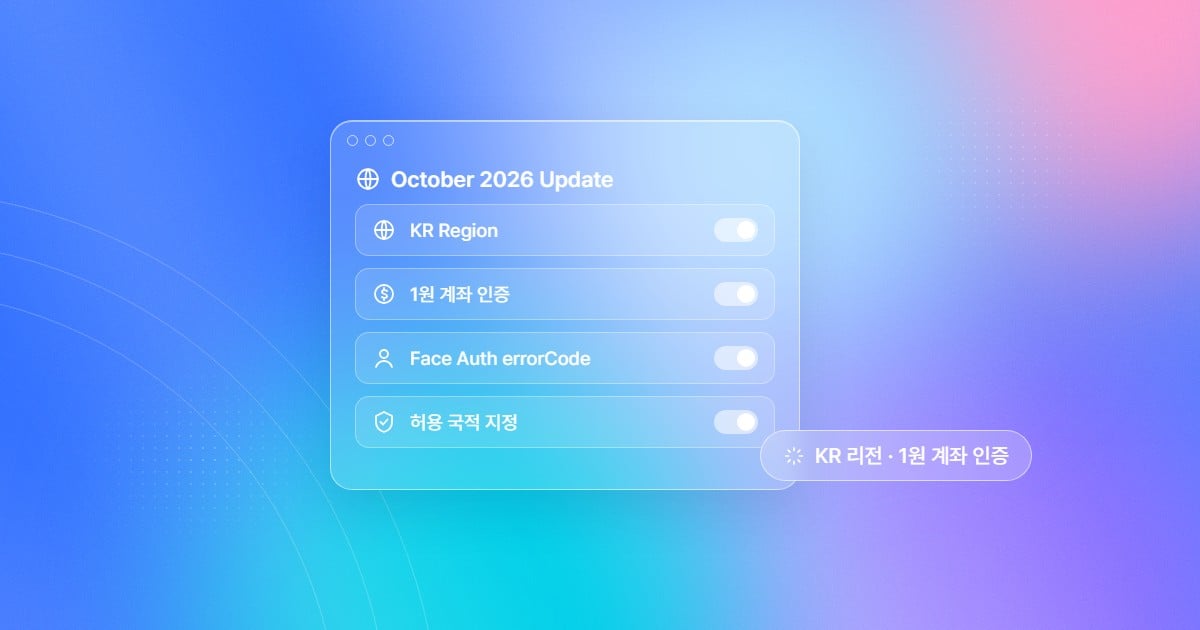
The October update at a glance
1. KR region support: process and store personal information in Korea
Starting October 1, you can place an ARGOS ID check project in either the US region or the KR region. The region is set per project, and in a KR region project KYC processing and data storage take place in the KR region. If your company has an internal policy or security review that requires personal information to be processed and stored in Korea, as is common in finance, the public sector, and large enterprises, you can now adopt ID check on those terms. Dashboard features, policies, and options are the same in both regions. Only the addresses you integrate with and the webhook sender IP differ.
A few things worth knowing:
- Existing customers do not need to take any action. Existing projects stay in the US region, and their endpoints and webhook sender IP do not change.
- There is one dashboard address. In the same dashboard, the project list shows US and KR tabs for each region.
- Check your webhook firewall. The server that receives webhooks must allow the sender IP of your project’s region. If you use both regions, allow both IPs.
- Some features go through the US region. Some third-party integrations, such as IP lookup, use the US region. Apart from these, personal information (PII) is always processed in the project’s region.
- To move from US to KR, you need to create a new project and migrate your data. Please contact the sales team or customer support.
2. Improved 1 won account authentication: the account number comes before the bank
1 won account authentication asks users to type a lot, so it is a common point of drop-off. Users pick the wrong bank, enter a card number instead of an account number, or stop because they cannot find the code. The October update reorders the flow so users are not confused.- Account number first: Users enter the account number instead of choosing a bank first. Matching financial institutions are suggested as they type, and if the right one is not listed, they can choose from the full list of banks and securities firms.
- Errors before 1 won is sent: If the account number has the wrong number of digits, a card number is entered, or the institution does not match the account number format, users are told right away, before 1 won is sent.
- Confirmation before sending: Users check the financial institution, account number, and account holder (the name on the ID) once more before 1 won is sent.
- Help with entering the code: The code screen shows an example of how the deposit appears in the banking app and the 3-digit number, plus the remaining time and remaining attempts.
- Easy to fix and retry: Re-enter account number returns users to the account entry screen with their values kept. If verification failed because the account holder name differs, Edit name lets them fix the name on the ID.
Notes for your support team
- For security, there is no back navigation. Users move between screens only with the on-screen buttons.
- If a user re-enters an account and 1 won is sent again, a new code is issued and the previous code can no longer be used.
- The number of verification attempts does not reset when the account is changed.
- The account holder name returned by the bank is not shown on screen.
3. FaceAuth error code delivery: guide users based on why they failed
FaceAuth is a re-authentication feature that confirms, with a single selfie, that an already verified user is the same person. Until now, when re-authentication failed, it was hard to know why once the user came back to your service. With this update, the FaceAuth add-on’s return URL can include an error code (errorCode). You can split the flow by failure reason: suggest a retry, send the user to customer support, or move them to another verification method. Here is how Skip result page and Error code work together when authentication fails.4. Allowed nationalities for Liveform: filter out nationalities you don’t serve from the start
Financial products only for residents of Korea, or services only for users from certain countries, sometimes reject users only after they have finished verification. The user spends time and is still turned away, and your operations team has to handle reviews that were never needed. You can now setWhiteListNationality in the Liveform query string to allow one or more nationalities to verify. It applies to the ID document and Knowledge-based verification flows.
- If the nationality the user enters is not on the allowed list, the submission is rejected at Step 2 (reason: White List Nationality Mismatch), and the user is told that the nationality is not supported.
- If the user enters a Korean Resident Registration Number, ARGOS also checks it against the allowed nationalities.
- If only KOR is allowed and the number is not a Korean nationality number, the user is told that only Korean nationality is supported.
- If KOR is not allowed and the number is a Korean nationality number, the user is told that Korean nationality is not supported.
5. Dashboard UI redesign: new screens, same way of working
Starting October 20, the ID check dashboard uses a new design based on the ARGOS Identity Design System. Color, typography, buttons, input fields, tables, dialogs, and date pickers are easier to read. Features and menu locations have not changed. You can keep your existing settings and ways of working.More updates to reduce friction in daily operations
To sum up the October update: the KR region opens ID check to companies that must process personal information in Korea, the 1 won account authentication and FaceAuth failure steps where users stopped most often have been refined, and nationalities you don’t serve can now be filtered out from the start. If you need a KR region project or want to move regions, please contact the sales team. 👉 Read also: 2026 Q2 ARGOS Identity Update: From Device Security to Session Journey 👉 Read also: FaceAuth Getting Started 👉 Talk to us: sales@argosidentity.com